
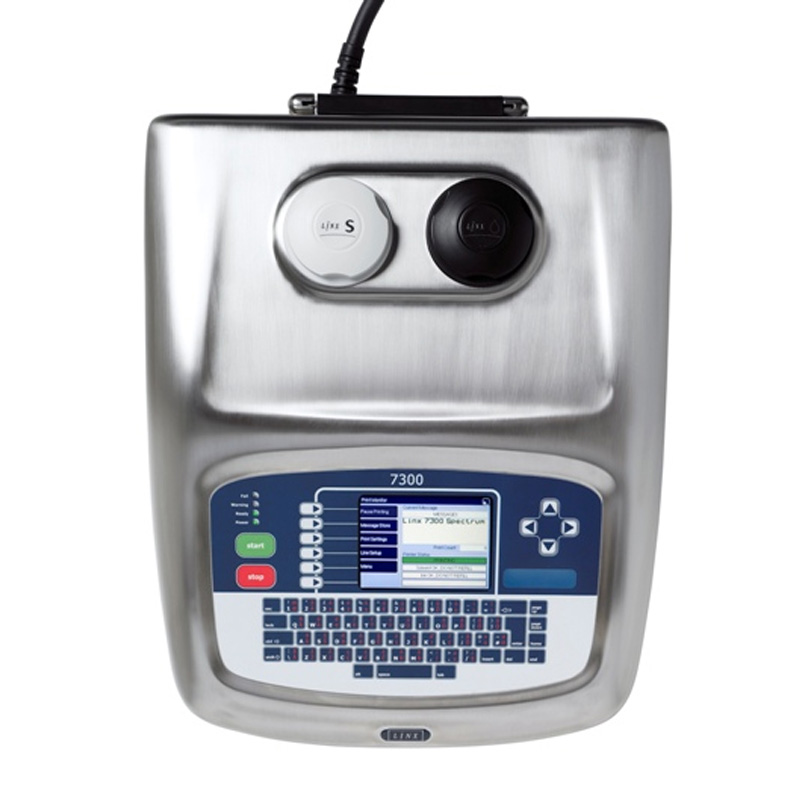
Total Cost of Ownership: Used Printer Financial Realities
Upfront cost savings versus long-term consumables and maintenance expenses
A low purchase price often obscures the deeper expense profile of a used printer. While the initial outlay may be 40–60% less than a comparable new device, acquisition cost represents only about 40% of total lifetime spending—consumables and maintenance dominate the remainder. Over five years, those upfront savings can vanish entirely as aging components drive up running costs.
| Cost Factor | Used Printer ($700) | New Printer ($1,200) |
|---|---|---|
| Annual Consumables (toner, supplies) | $600 | $350 |
| Annual Repairs & Maintenance | $400 | $150 |
| Energy (5‑year estimate) | $200 | $150 |
| Total 5‑Year Operating Cost | $5,900 | $3,850 |
This illustrative 2023 lifecycle comparison shows the used printer accumulating nearly $2,100 more in operating costs over five years. Its higher toner consumption, accelerated drum wear, and increased service interventions steadily erode the initial advantage. When procurement decisions focus solely on sticker price, they overlook how aging hardware inflates true cost per page—making a used printer a potentially more expensive long-term investment.
Downtime, repair frequency, and hidden productivity losses with aging equipment
Used printers introduce measurable operational risk. Devices over three years old experience up to three times as many service calls as new equipment, according to a 2023 imaging reliability survey. Each unplanned outage directly impacts team productivity: a single hour of printer unavailability can cost a mid-sized department over $800 in lost billable time and delayed deliverables.
The hidden costs compound quickly. IT staff divert time troubleshooting legacy drivers; employees wait while print queues stall; and degraded output quality triggers reprints. Key impacts include:
- Employee idle time: 15 minutes daily at a shared printer equals one lost workday per month per team.
- IT support burden: each service call averages 45 minutes of administrative time.
- Rework expenses: faded text or streaked images force 5–8% of print volume to be discarded and repeated.
When failure coincides with critical deadlines—month-end closings or client proposals—the financial consequences extend well beyond repair fees. Cumulative productivity loss often outweighs the original cost benefit, turning aging equipment into a growing liability.
Tax treatment, depreciation, and capital allocation flexibility for used printer acquisition
Acquiring a used printer can offer distinct tax advantages. Both new and qualifying used equipment may be eligible for full-year Section 179 expensing, allowing businesses to deduct the entire purchase cost in the year of acquisition—up to the annual limit—improving near-term cash flow without carrying a large capital asset.
Depreciation schedules also favor used units: their shorter remaining useful life permits accelerated write-offs, reducing tax drag on profits faster than a new printer’s longer depreciation timeline. This lean-asset approach frees capital for growth initiatives—marketing, R&D, or workforce development—while still delivering core functionality.
However, these balance-sheet benefits must be weighed against higher operational costs. A used printer that appears economical on paper can quietly consume the very liquidity it was meant to preserve.
Performance Benchmarking: Speed, Reliability, and Output Quality
Measured uptime, failure rates, and job throughput: used printer vs new equipment
The performance gap between used and new printers is most apparent in daily operations. Contemporary devices achieve 99.5% uptime in field service reports, whereas pre-owned units—especially those past their first maintenance cycle—show a 25–40% reduction in mean time between failures (MTBF). A 2023 analysis of mid-volume office fleets found used printers averaged 2.3 unplanned outages annually versus 0.9 for new models. These interruptions reduce real-world throughput: despite similar rated speeds, older hardware suffers more paper jams and longer warm-up sequences, cutting effective pages-per-minute by 22%. For an office printing 5,000 pages monthly, that translates to roughly 11 additional hours of lost productivity per year—revealing how headline pricing masks true operational cost.
Print quality consistency—color fidelity, resolution stability, and media handling across generations
Output consistency degrades predictably with age. A 2022 imaging lab test found that after 300,000 pages, many legacy laser engines exhibited color delta-E drift exceeding 3.5—well outside professional tolerances—while newer replacements maintained fidelity within 1.2 delta-E. Resolution instability also increases as fuser rollers and transfer belts wear unevenly, introducing micro-banding visible on full-bleed graphics.
Media handling presents further limitations: older paper-feed mechanisms lack the adaptive torque control built into current models, resulting in 15–20% more misfeeds and registration errors when using cardstock, glossy labels, or other specialty substrates. Unless a pre-owned unit has been thoroughly refurbished with OEM consumables, its color gamut and media versatility will rarely match a factory-fresh system—potentially undermining brand-critical materials.
Technology Readiness and Operational Risk of a Used Printer
Security exposure: unsupported firmware, unpatched vulnerabilities, and compliance gaps
A used printer often runs outdated firmware no longer supported by the manufacturer, leaving network-facing ports exposed to known exploits. According to Quocirca’s 2023 report, 70% of organizations experienced at least one printer-related security incident that year. Without regular patches, authentication bypass flaws and unencrypted data transmission become persistent threats—particularly in regulated environments handling protected health information or financial records. Compliance frameworks like GDPR and HIPAA require documented safeguards and timely remediation; legacy devices incapable of firmware updates pose clear audit and regulatory risks. Compromised printers can also serve as entry points for botnets or lateral movement across internal networks.
Cloud connectivity, mobile printing, and API integration limitations in legacy models
Legacy printers frequently lack native support for modern cloud print services, mobile discovery protocols (like AirPrint or Mopria), and RESTful APIs. This forces IT teams to implement fragile, unsupported workarounds—limiting secure, location-independent printing and blocking integration with document workflow automation tools. The result is reduced team agility, slower digital transformation, and ongoing technical debt that accumulates with every workaround deployed.
FAQs
How does the operating cost of a used printer compare to a new printer?
While a used printer might have lower upfront costs, its operating costs over five years—including consumables, repairs, and energy—are typically much higher. Over time, these expenses can outweigh initial savings.
Are there productivity risks associated with using a used printer?
Yes, older printers tend to have more frequent downtime, which can disrupt workflows, increase IT support needs, and cause rework due to quality issues, ultimately impacting productivity.
Can a used printer offer tax advantages?
Used printers can qualify for tax benefits like Section 179 expensing and accelerated depreciation schedules, which may improve near-term cash flow.
What are the security risks with using older printers?
Used printers often lack updated firmware and security patches, making them vulnerable to exploits and compliance risks in regulated industries.
Do used printers support modern cloud and mobile-printing technologies?
Most legacy printers do not support modern cloud services, mobile protocols, or integration APIs, creating technical debt and limiting digital transformation.