
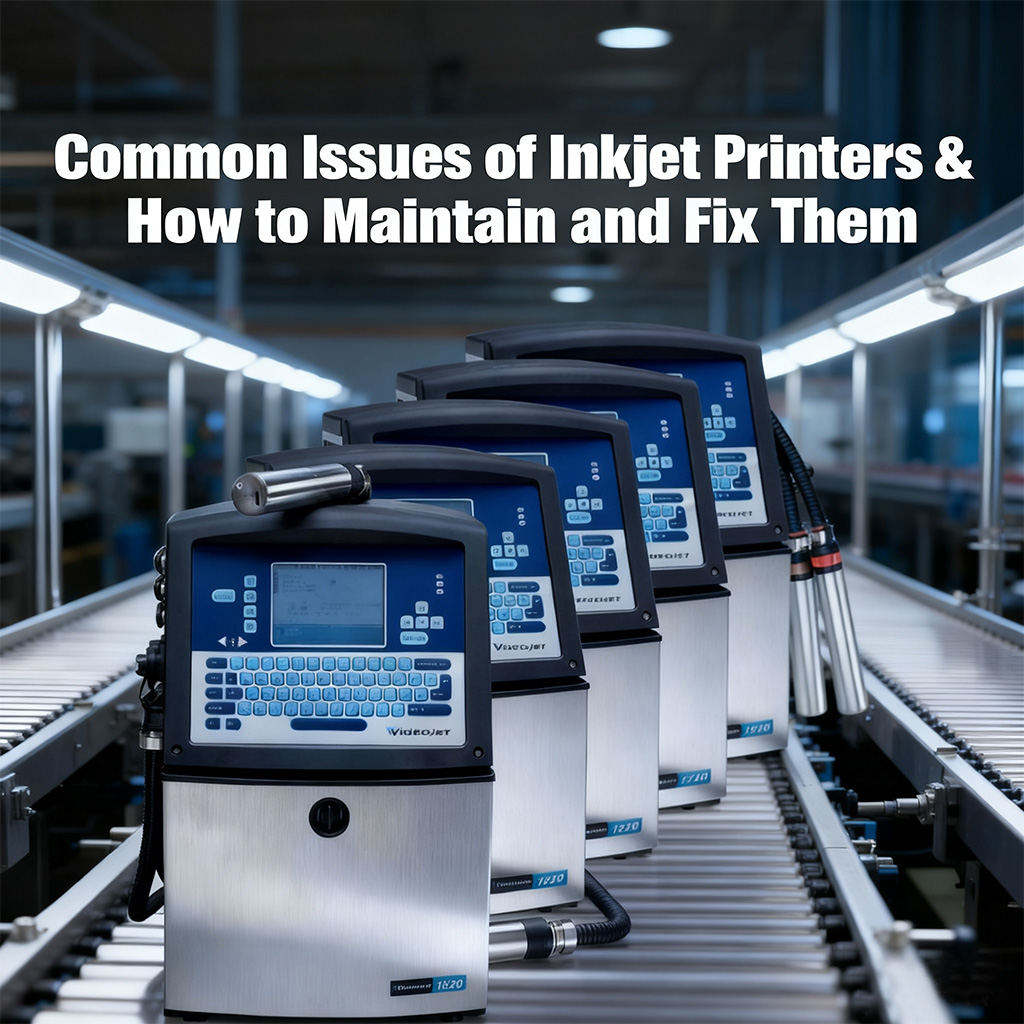
Inkjet printers are workhorses in production lines, but like any equipment, they face common issues that disrupt operations. Understanding these problems and having a maintenance routine can save time, reduce costs, and keep your printer running smoothly. Below are the most frequent issues, their causes, and step-by-step solutions, plus key maintenance tips.
1. Blurry or Faint Prints
Causes: Clogged nozzles (from dried ink), low ink levels, or misaligned print heads.
Fix:
First, check ink levels—refill or replace cartridges if low.
For clogged nozzles: Run the printer’s built-in “nozzle cleaning” function (via the control panel or software). If that fails, manually clean the print head with a lint-free cloth dipped in distilled water (avoid alcohol, which damages parts).
If prints stay blurry, realign the print head using the printer’s alignment tool—this corrects misalignment from vibration or frequent use.
2. Ink Smudging on Substrates
Causes: Ink not drying properly (wrong ink type for the material), high substrate moisture, or slow print speed.
Fix:
Ensure you’re using the right ink: Use UV-curable ink for non-porous materials (glass, metal) or quick-dry ink for plastics.
For porous substrates (cardboard), increase print speed slightly to reduce ink saturation. If smudging persists, use a small fan to speed up drying, or adjust the printer’s heat settings (for thermal models).
Check substrate quality: Moisture in recycled cardboard can cause smudging—store materials in a dry, cool area.
3. Printer Not Recognizing Ink Cartridges
Causes: Dirty cartridge contacts, expired cartridges, or incorrect cartridge installation.
Fix:
Turn off the printer, remove cartridges, and wipe the metal contacts (on both cartridge and printer) with a dry, clean cloth—dust or ink residue blocks communication.
Reinstall cartridges firmly, ensuring they click into place. Avoid forcing them, as this damages the slot.
If using third-party cartridges, confirm they’re compatible with your printer model. Expired cartridges often fail—replace them with new, genuine ones if needed.
4. Uneven Ink Flow (Skipped Characters/Lines)
Causes: Air bubbles in the ink line, blocked ink filters, or old ink (ink degrades over 6–12 months).
Fix:
Bleed air bubbles: For CIJ printers, use the “ink priming” function to flush air from the lines. For TIJ printers, remove the cartridge, gently tap it (to release bubbles), and reinstall.
Clean ink filters (for CIJ models): Refer to the user manual to locate the filter—rinse it with fresh ink (not water) and reinstall. Replace filters every 3–6 months as part of routine care.
Drain and replace old ink if it’s past its shelf life—stale ink thickens, causing uneven flow.
5. Error Codes (e.g., “Nozzle Error,” “Maintenance Required”)
Causes: Unaddressed minor issues (like clogs) or scheduled maintenance alerts.
Fix:
Check the printer’s manual for the error code meaning—most codes have specific solutions (e.g., “Nozzle Error” = clean nozzles).
For “Maintenance Required” alerts: Complete routine tasks like filter replacement, print head cleaning, or ink system flushing. Reset the maintenance counter after finishing to clear the code.
Key Maintenance Routine (Prevent Problems Before They Start)
Daily Checks: Inspect ink levels, wipe the exterior (to remove dust), and test-print a sample to catch faint/blurry prints early.
Weekly Cleaning: Clean print heads (even if no clogs) and wipe cartridge contacts. For CIJ printers, check ink lines for leaks.
Monthly Tasks: Replace filters (CIJ models), realign print heads, and calibrate the printer to match substrate thickness.
Long-Term Care: Store ink in a dark, cool place (avoid direct sunlight). Turn off the printer properly (don’t unplug it mid-use)—this prevents ink from drying in nozzles.
Final Tip
Always refer to your printer’s user manual for model-specific steps—different brands (e.g., Domino, Videojet) have unique features. For persistent issues (e.g., broken nozzles), contact the manufacturer’s service team instead of DIY repairs, which can void warranties. With regular care, your inkjet printer will deliver reliable performance for years.